- Your cart is empty
- Continue Shopping



-80%


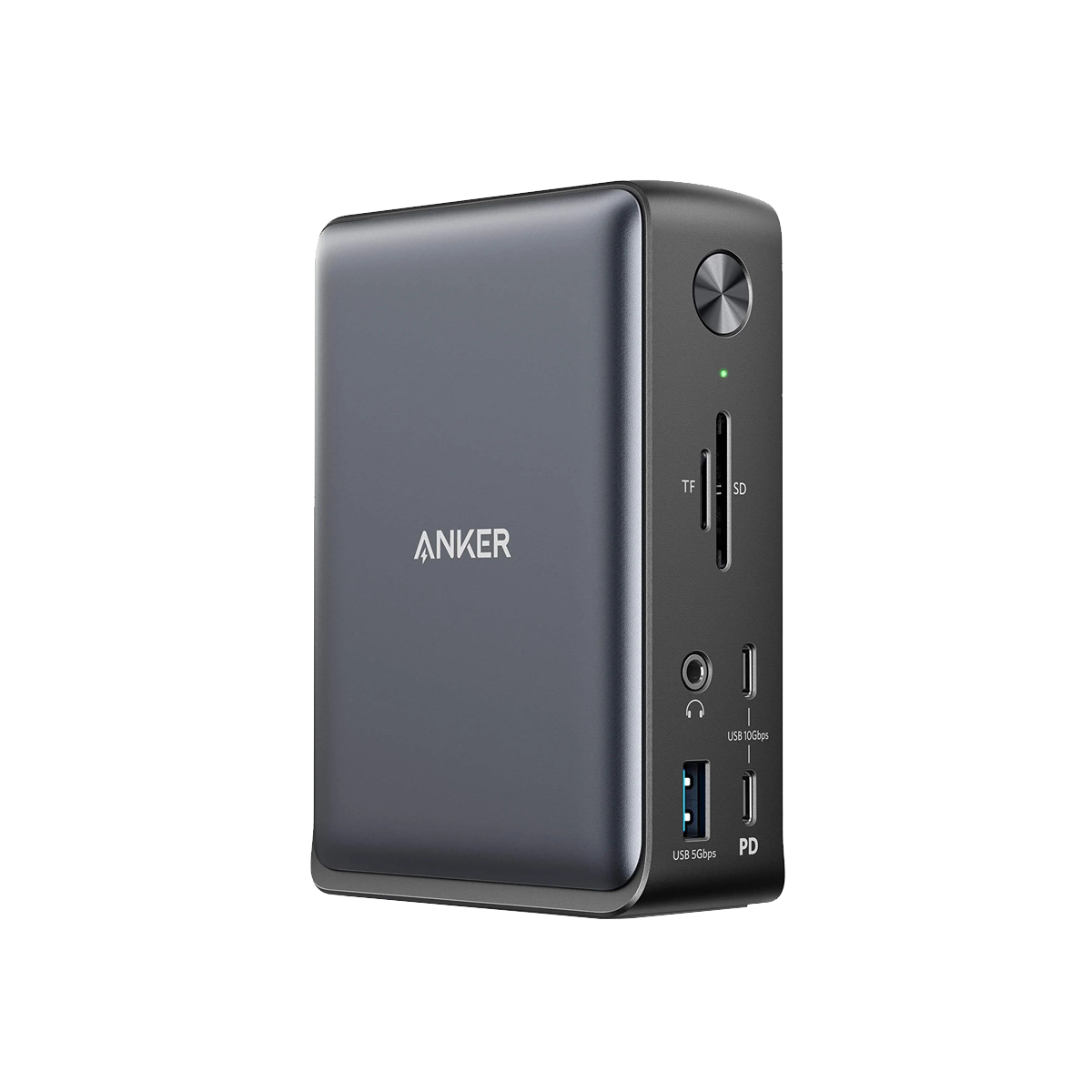
Anker Refurbished 575 USB-C Docking Station (13-in-1)
$20.00Current price is: $20.00. Original price was: $99.99.
Product Description

Model Number: A8392
Anker 575 USB-C Docking Station (13-in-1)
Small Footprint, Superb Functionality
What’s in The Box:
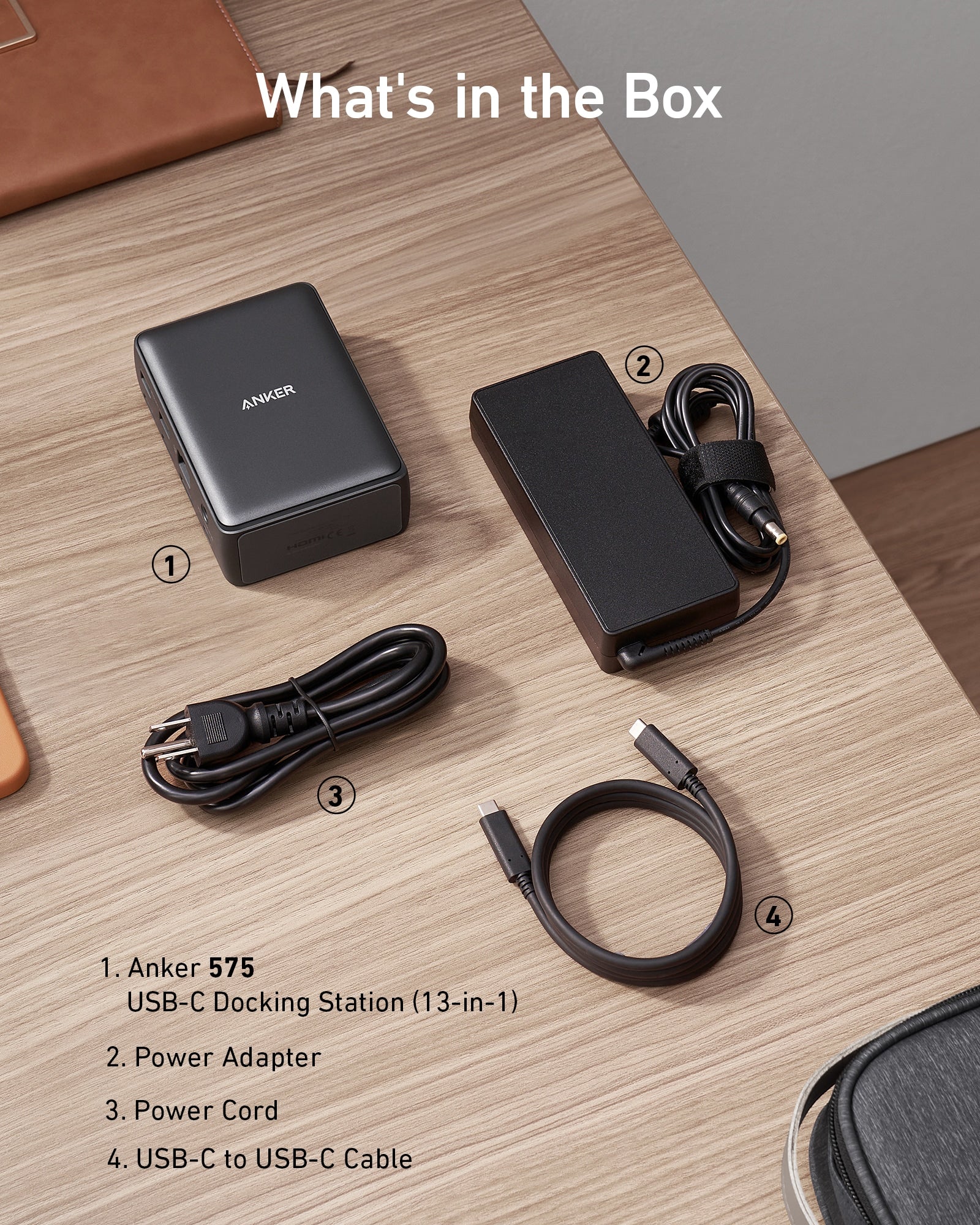
Anker 575 USB-C Docking Station (13-in-1), 135W Power Adapter, USB-C to USB-C cable (3 ft), welcome guide.
Dimensions and Weight
Dimensions: 125.8 × 88.6 × 41.6 mm / 4.9 × 3.5 × 1.6 in
Weight: 370 g / 13.1 oz
*The Adopted Trademarks HDMI, HDMI High-Definition Multimedia Interface, and the HDMI Logo are trademarks or registered trademarks of HDMI Licensing Administrator, Inc. in the United States and other countries.

Compatibility InformationHost Requirements:
The host device must support Power Delivery and DisplayPort Alt Mode or USB-C 3.1 (generation 1 or 2).
Supported Operating Systems:
macOS 10.12 or later, Windows 8 / 10 / 11
Media Display Information
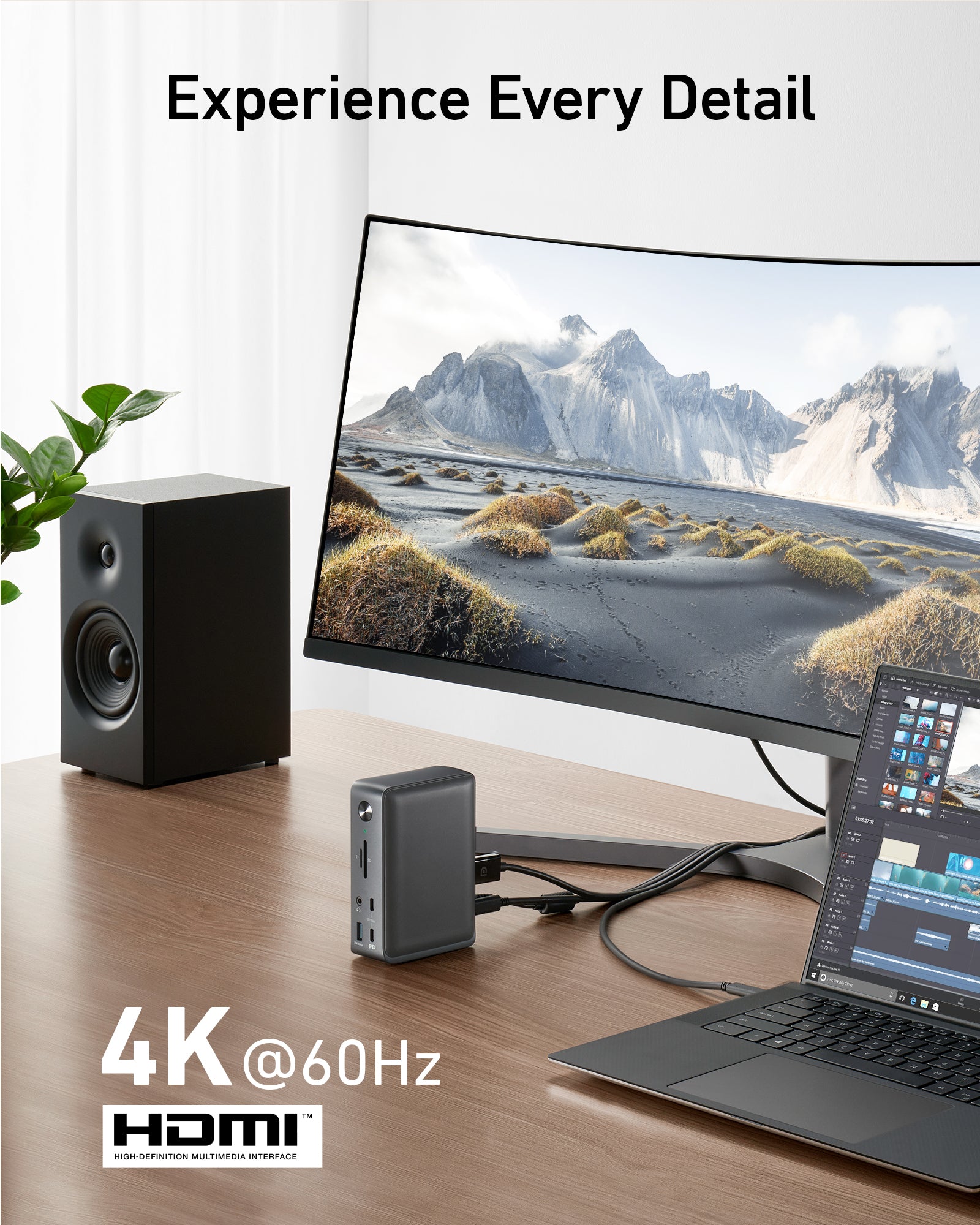
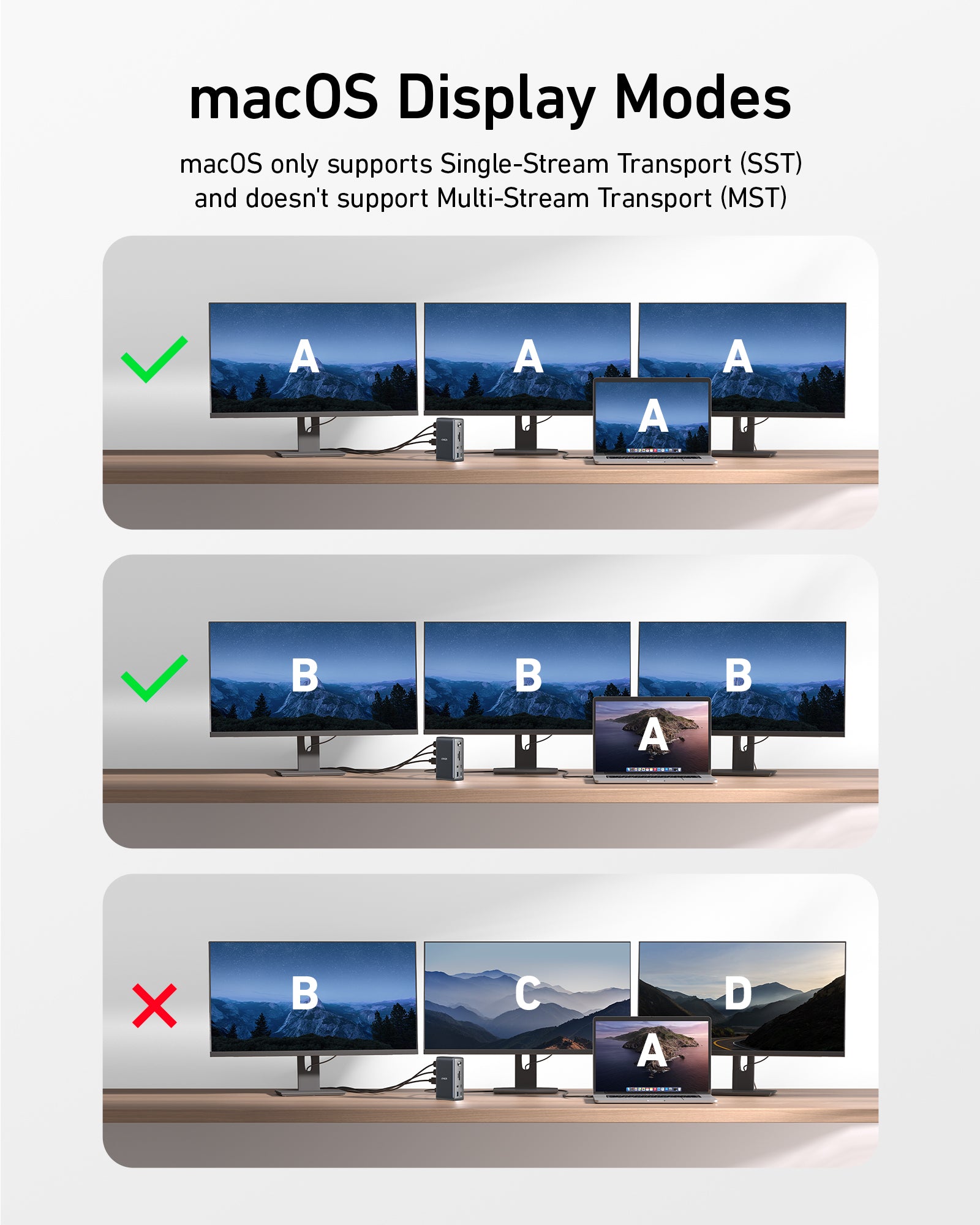
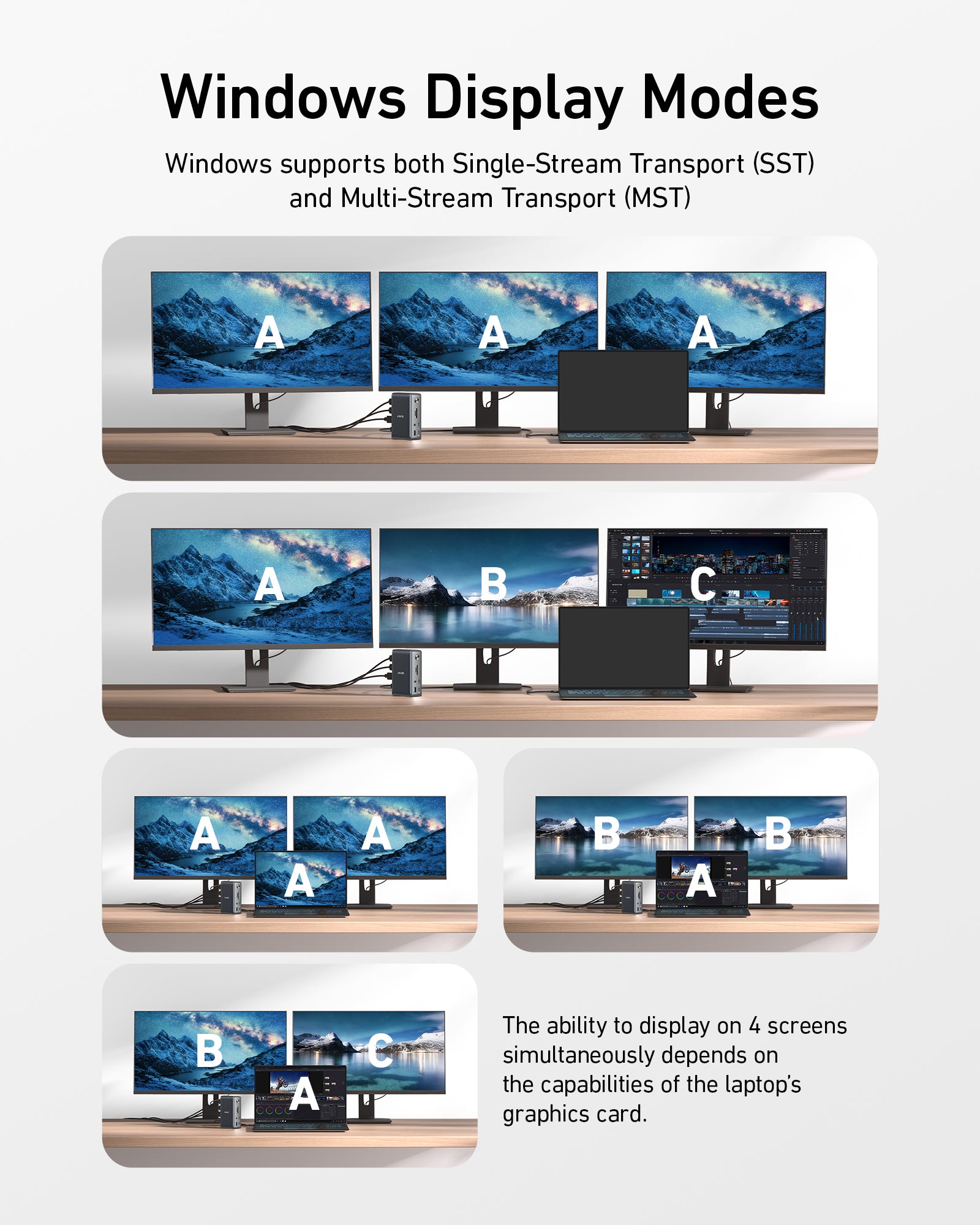
– When using macOS, content displayed will be mirrored.- The ability to display on 4 screens simultaneously depends on the capabilities of the laptop’s graphics card.
Maximum resolution when using a DisplayPort 1.4 USB-C laptop:
– Single monitor display: 3840×2160@60Hz via the HDMI port or DisplayPort.- Dual monitor display: 2560×1440@60Hz via 2 HDMI ports, or via the HDMI port and DisplayPort.- Triple monitor display: 1920×1080@60Hz via the HDMI ports and DisplayPort.

Charging Information
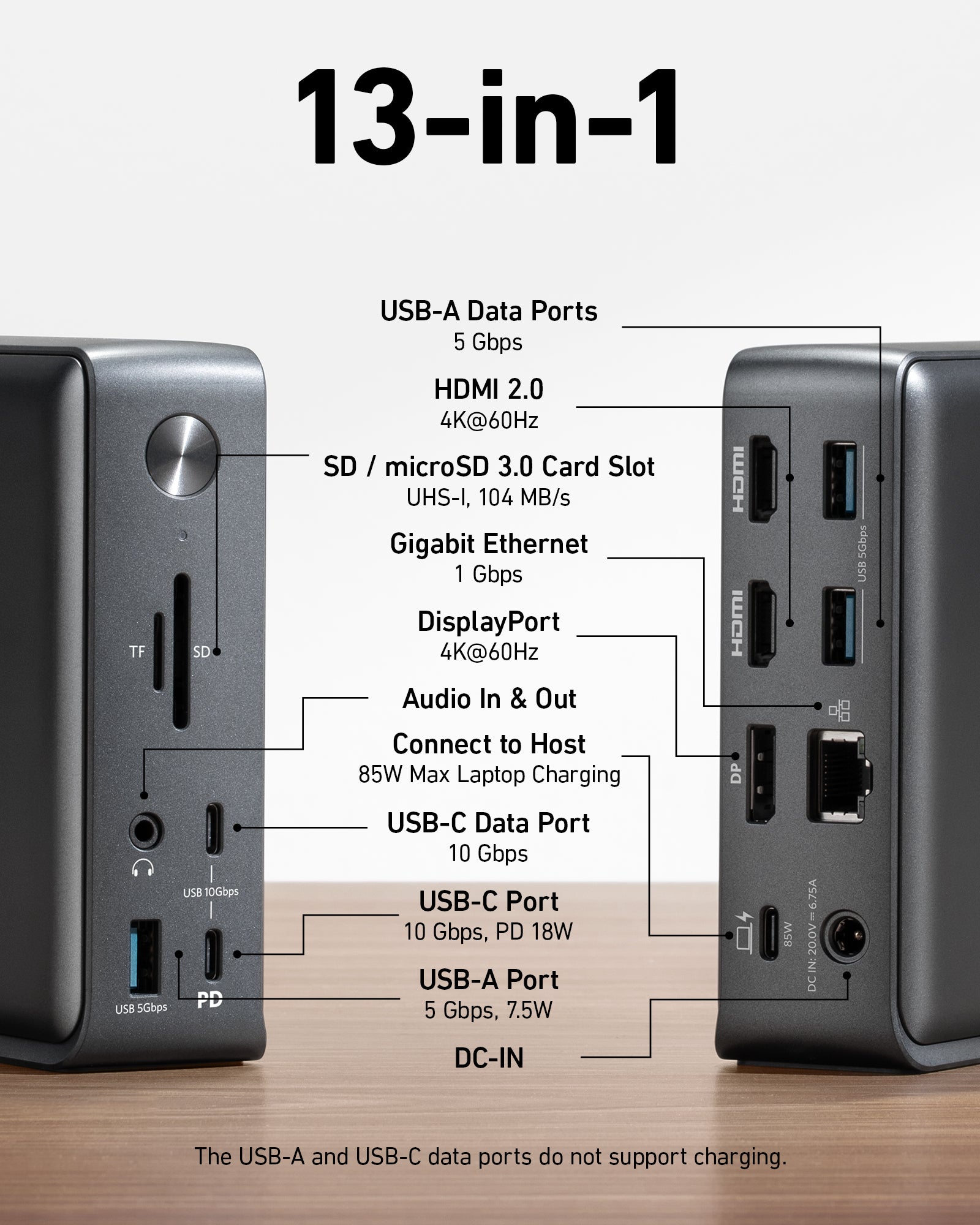
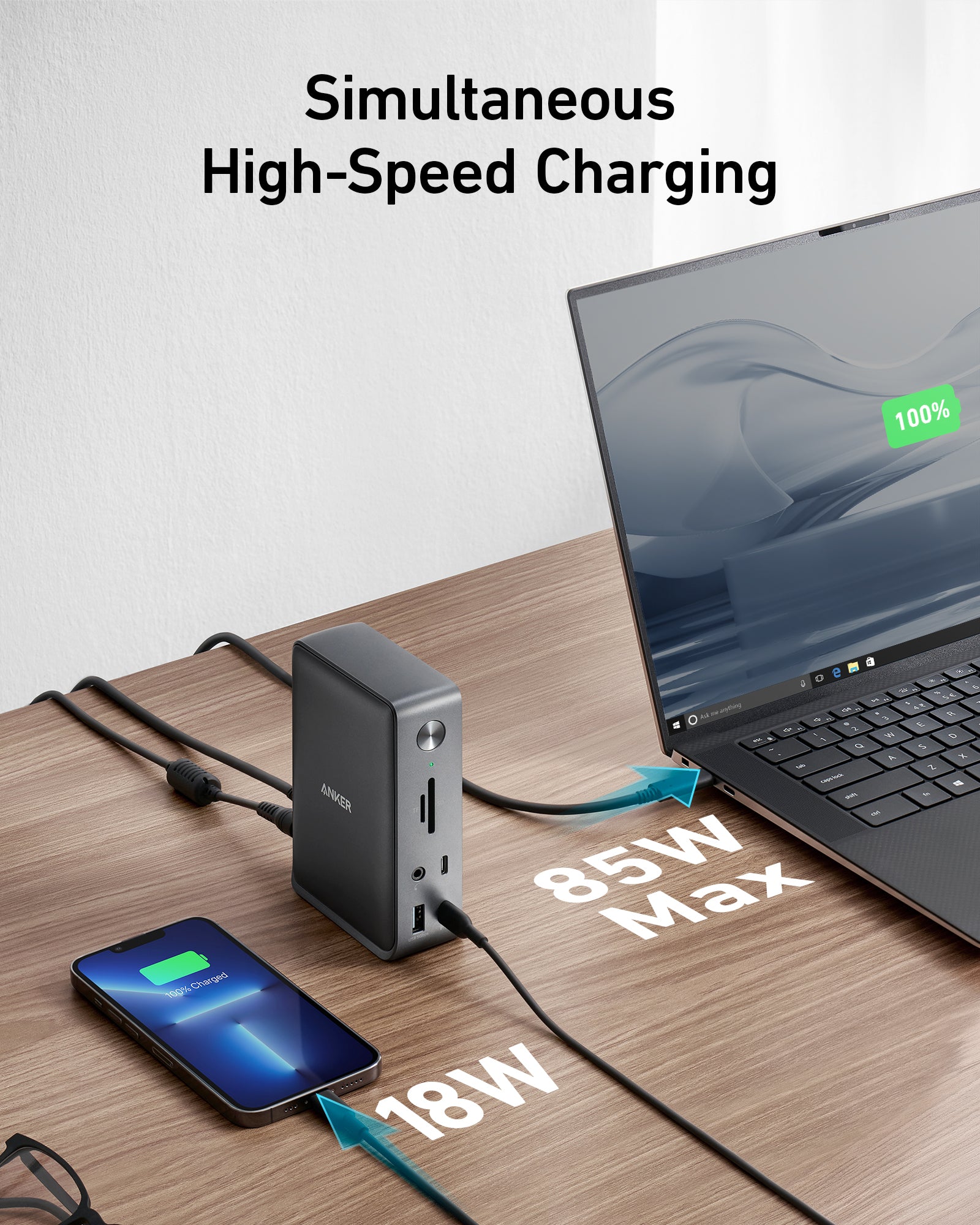
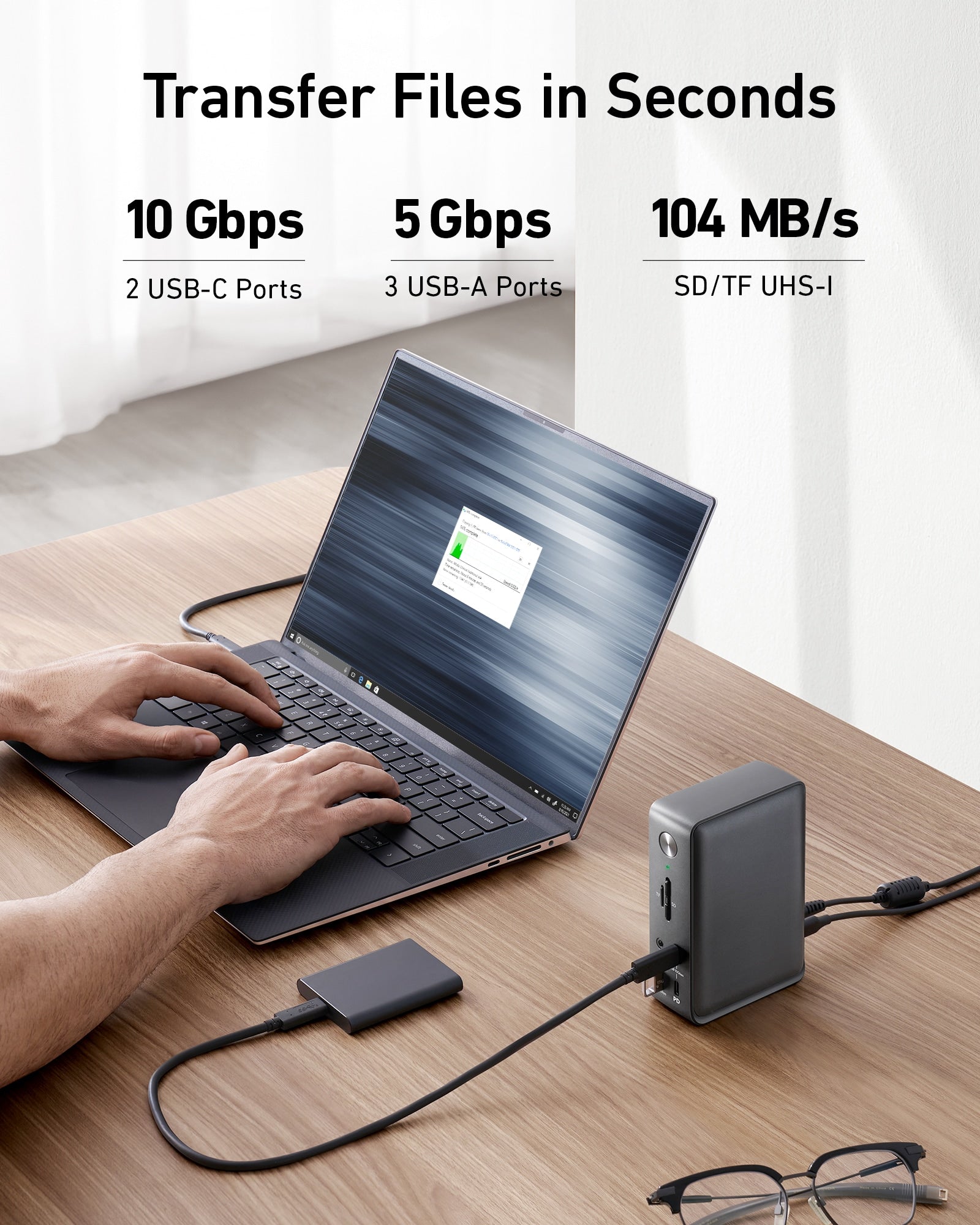
This dock supports up to 85W of charging via the USB-C upstream port on the back of the dock (indicated with a computer icon). The USB-C Power Delivery port (indicated by “PD”) supports 18W fast charging for your phone or tablet. The USB-A 3.0 port on the front supports 7.5W to charge smaller devices like smartwatches or headphones. The two USB-A data ports on the back of the dock do not support charging.

Frequently Asked Questions:
Q1: Will this dock work with any laptop? How do I make sure my laptop works with this dock??
A: This dock works with laptops with a USB-C port that supports DisplayPort Alt Mode and Power Delivery. To confirm the USB-C port function of your laptop, consult your user manual or contact your laptop’s manufacturer. If your USB-C port doesn’t support DisplayPort Alt Mode, you won’t receive video output. If your USB-C port doesn’t support Power Delivery, the dock will work correctly with video and data (including audio and Ethernet), but would not be able to supply charging to your laptop.
Q2: Can I use my own USB-C cable to connect the dock to my laptop?
A: It’s recommended that you use the included 3 ft USB-C cable. If you need to use a different cable (due to loss etc.), then any other USB-C cable with support for USB 3.1 Gen 2 and 85W Power Delivery would also be compatible.
Q3: Do I need to install any drivers to use the dock?
A: No.
Q4: Is this dock compatible with computers that have a Thunderbolt 3 port?
A: Yes, however, it can only deliver a maximum bandwidth of 10Gbps, so it cannot not reach the maximum bandwidth of Thunderbolt 3 (40Gbps).
Q5: Sometimes the dock doesn’t automatically reconnect after I wake up or restart my laptop. What should I do?
A: This situation doesn’t happen very often, but if you are having this problem, try disconnecting and reconnecting the USB-C cable or restarting the dock.
*This product does not use post-consumer recycled materials or bio-based materials.
Reviews
There are no reviews yet.