


-80%


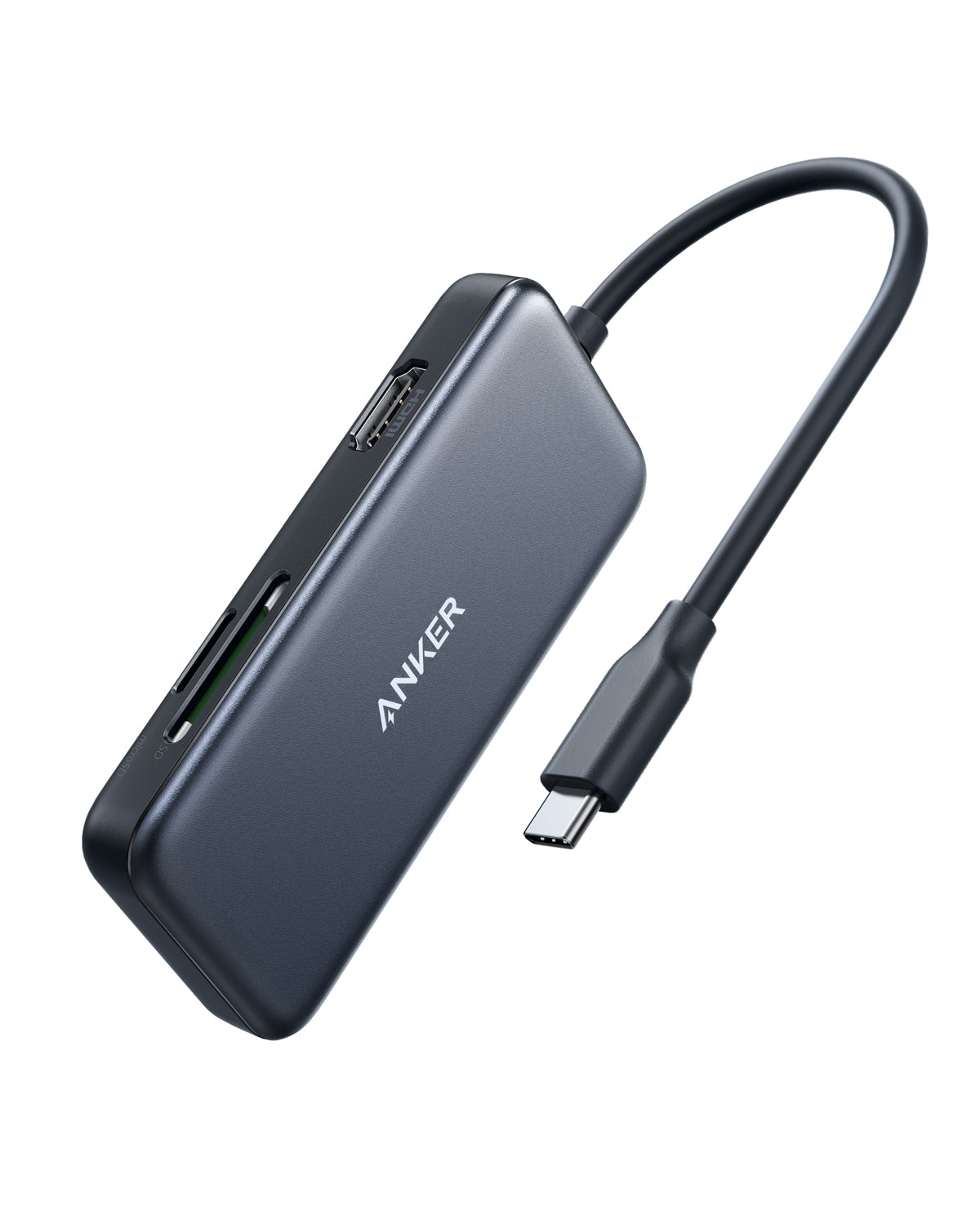
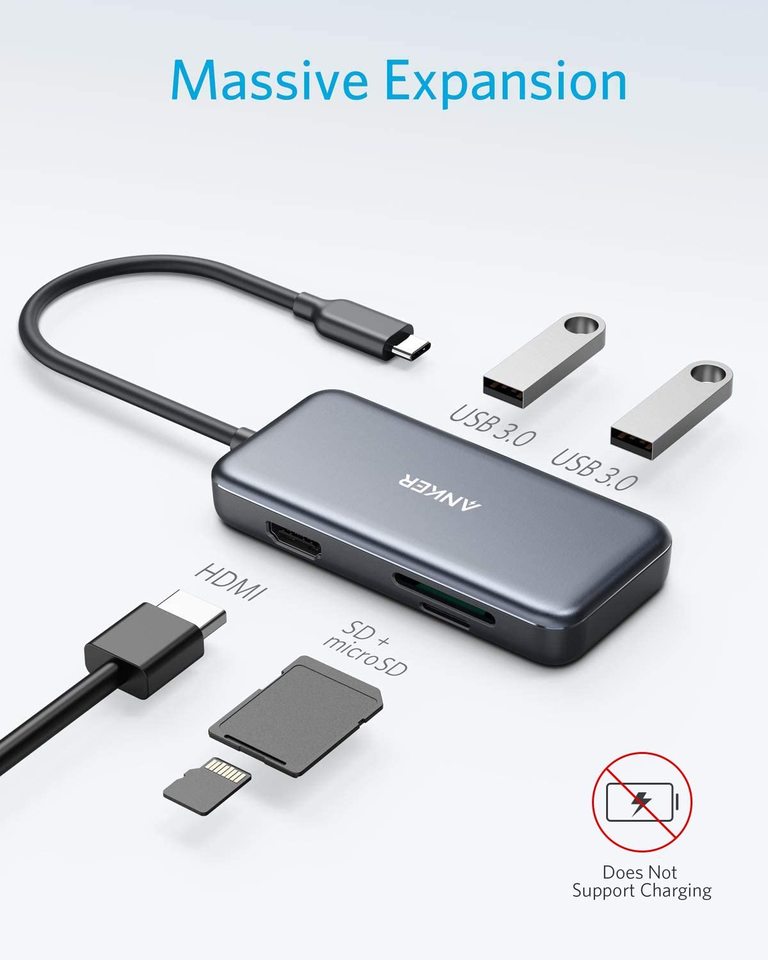
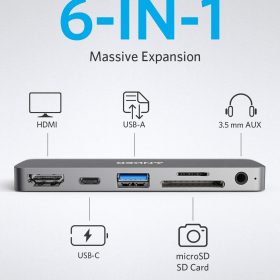
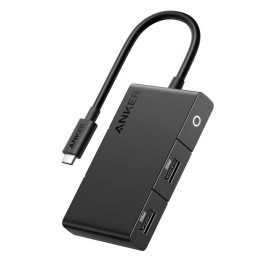
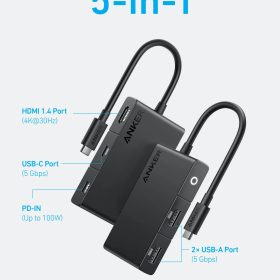
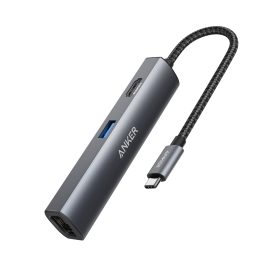
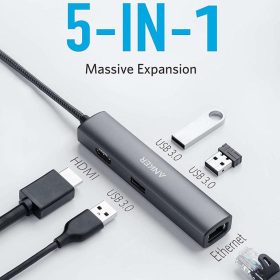
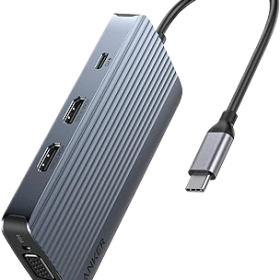
Anker PowerExpand 5-in-1 USB-C Media Hub
$0.80Current price is: $0.80. Original price was: $3.99.
Product Description


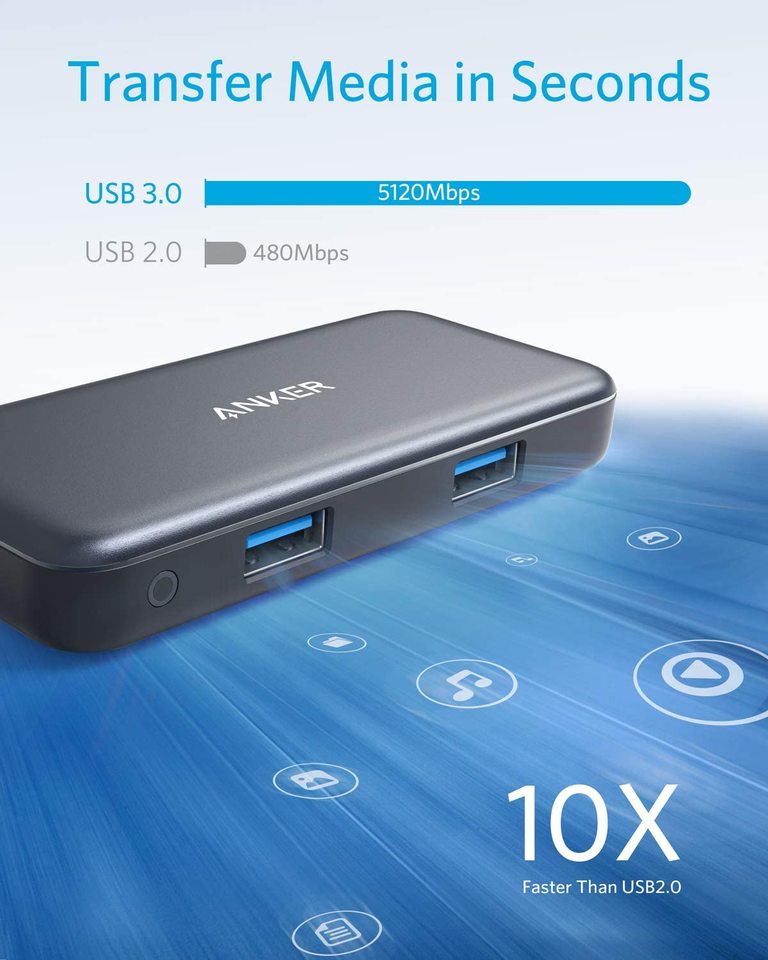
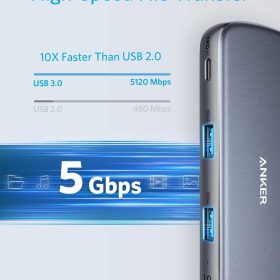
High-Speed Data
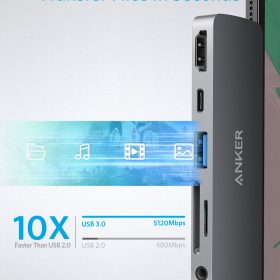
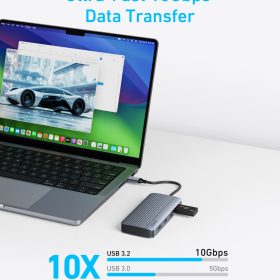
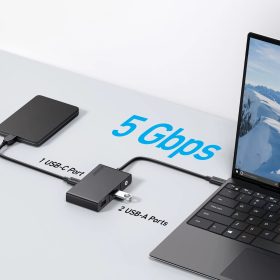
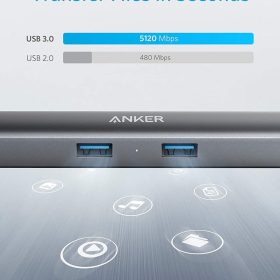
Transfer movies, music, and more in just seconds with5 Gbpstransfer speeds.

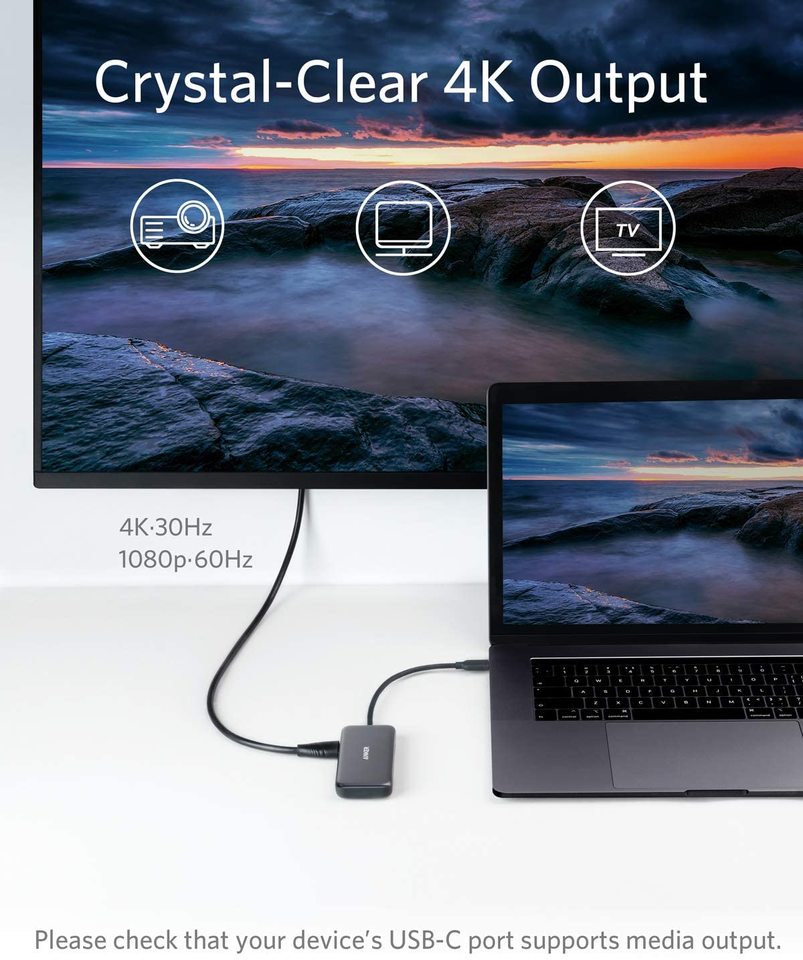
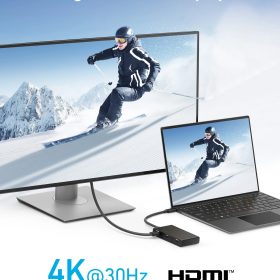
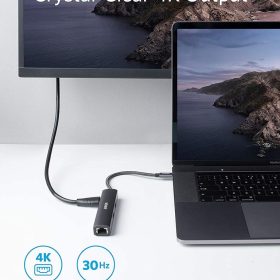
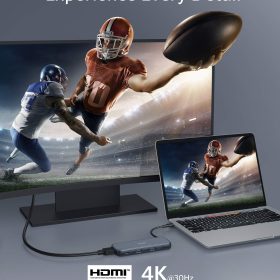
4K Output
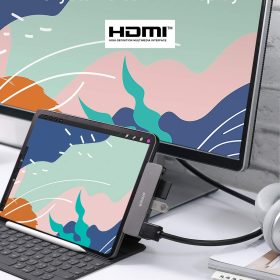
Easily stream media to a bigger monitor or television in stunning4K@30Hz.
Note: The Adopted Trademarks HDMI, HDMI High-Definition Multimedia Interface, and the HDMI Logo are trademarks or registered trademarks of HDMI Licensing Administrator, Inc. in the United States and other countries.

Hot Swap
Instantly switch between peripherals with no need to disconnect via the operating system.

Compact and Portable
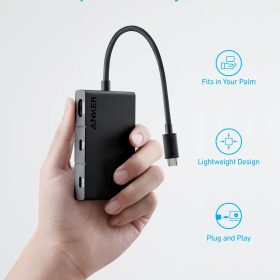
Measuring just 3.8 × 1.8 inches, the compact and lightweight design fits easily into your bag or pocket for effortless portability.Travel pouch included.
Model Number: A8334
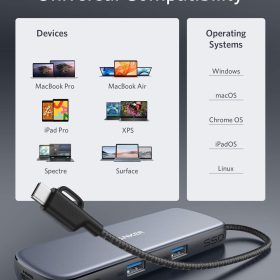
Compatible Devices Include:
MacBook Pro (2020 / 2019 / 2018 / 2017 / 2016 / 2015)
MacBook Air (2020 / 2019 / 2018)
XPS (13 inch / 15 inch)
Pixelbook (2017)
Chromebook C340 Laptop, Chromebook C423, Chromebook 4 11.6”
Surface Laptop 3
ENVY 13.3 Inch Thin Laptop
Incompatible Devices:
Nintendo Switch
Apple USB SuperDrive
Supported Systems:
Windows 10, 8, 7, Vista, XP,Mac OS X 10.6 or later, Linux 2.6.14 or Later
Devices That Do Not Support USB-C Media Display
VivoBook L203MA Ultra-Thin, VivoBook 15 Thin and Light Laptop
ZenBook 13 Ultra-Slim Laptop
100e Chromebook 2nd Gen
Ideapad L340 Gaming Laptop
2-in-1 11.6″ Convertible Chromebook Touchscreen Laptop (2020)
15.6″ HD Touchscreen Laptop, 15” FHD Laptop, 14″ Touchscreen Home and Business Laptop
Aspire 5 Slim Laptop
Commonly Asked Questions
1. I can’t get the HDMI port to work. What should I do?
Try some of the following steps:
1) Confirm if the connected USB-C port of your device supports DP Alt Mode.
2) Try a different computer and HDMI cable to see if the issue still persists.
3) Plug your HDMI cable directly into your device and see if you get a stable connection. If you can’t get a stable connection, then the problem is with your HDMI cable.
4) Verify that your monitor is configured to the correct input (HDMI).
2. What resolution does this device support?
The HDMI port supports a variety of resolutions up to 4K@30Hz and 1080p@60Hz, including 1080p, 1080i, 720p, and 480p.
3. What devices are compatible with this hub?
It is compatible with the latest USB-C laptops and smart devices.
4. Does this hub work with iPad Pro?
Yes, but you must update to the latest version of the iPad OS.
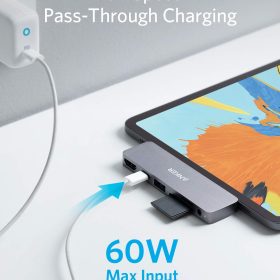
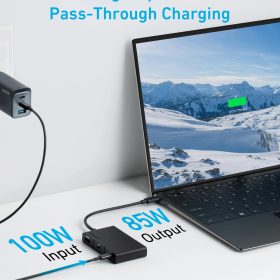
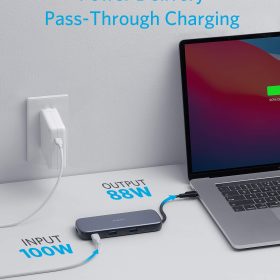
5. Does this hub support charging?
No, it does not support charging.
6. Can I connect multiple HDD/SSD at the same time?
Due to power output limitations of some laptops, it is recommended that you connect only one HDD/SSD at a time.
Related products
Sale
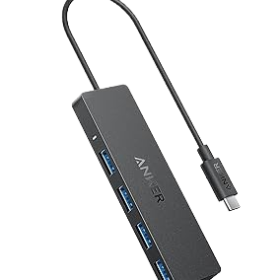
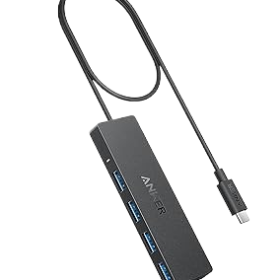
Anker USB-C Data Hub (4-in-1, 5Gbps)
Price range: $2.60 through $3.20
Select options
This product has multiple variants. The options may be chosen on the product page
-80%
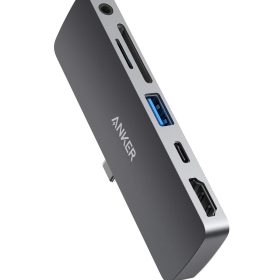
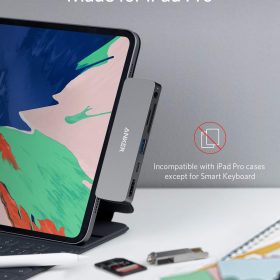

Anker PowerExpand Direct 6-in-1 USB-C PD Media Hub
$8.00Current price is: $8.00. Original price was: $39.99.
-80%
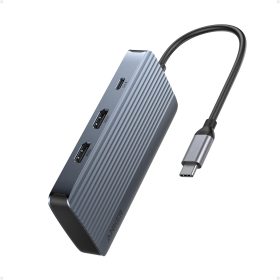
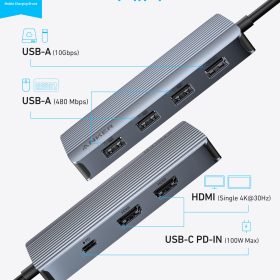
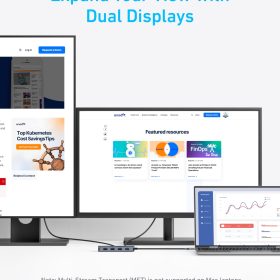
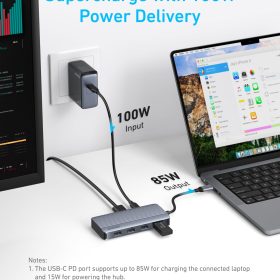
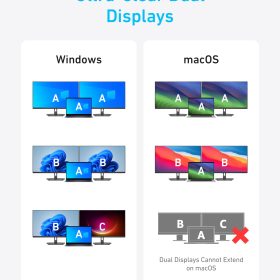
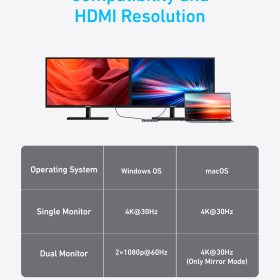
Anker USB-C Hub (7-in-1, Dual Display)
$7.40Current price is: $7.40. Original price was: $36.99.
-80%
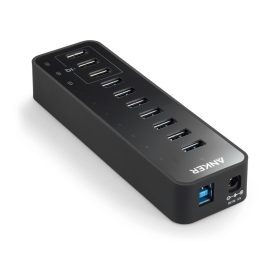
-80%
-80%

Anker 533 USB-C Hub (5-in-1, Slim)
$0.80Current price is: $0.80. Original price was: $3.99.
-80%
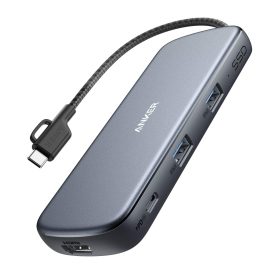
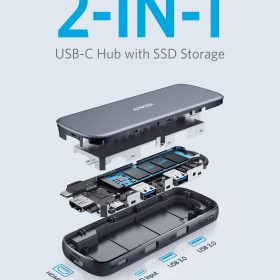
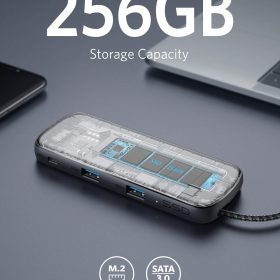
Anker PowerExpand 4-in-1 SSD USB-C Hub
$18.00Current price is: $18.00. Original price was: $89.99.
-80%
Anker PowerExpand 8-in-1 USB- C Triple-Display Hub
$10.00Current price is: $10.00. Original price was: $49.99.
Reviews
There are no reviews yet.